

OrthoTHERM Smart Heating Pad™
Quick Start Guide
Please read and keep all safety and use instructions.
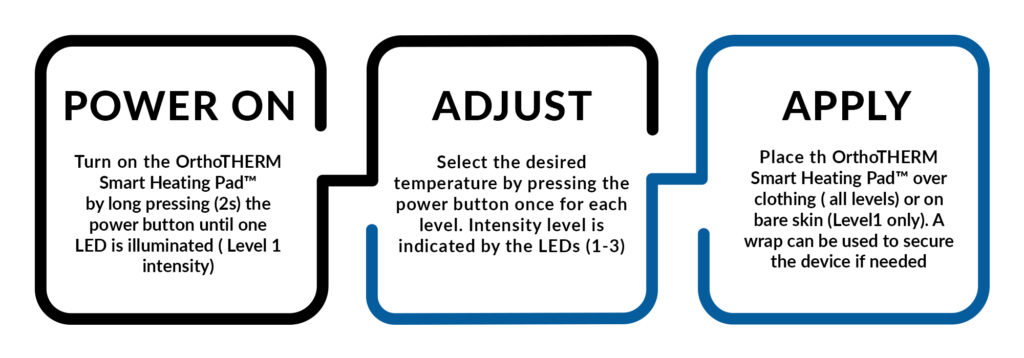
OrthoTHERM Smart Heating Pad™ features an adjustable timer. To change the timer setting, start with the device powered off, then press and hold the power button for 5 seconds until the LEDs begin blinking. This indicates you’ve entered the timer menu. Select your desired time: 1 LED for 10 minutes, 2 LEDs for 20 minutes, or 3 LEDs for 30 minutes. The selected time will be saved as the default until changed.